A more streamlined Marketing Tab

Date
03_2026
Page
Title Manager --> Open up a Title --> Marketing Tab
Description
We have modified how the Marketing Tab in Title Manager displays, to make it more streamlined, flexible, and easier to get an overview of your marketing activities.
We have reduced the number of tabs to just 3.
Publicity / Press
Here, you can enter any of your publicity / press activity, such as Advance Copies that you’ve sent out, email promotions, press kits and so on.
When you select ‘Create New’, you can select the marketing activity type, and assign it a name, before providing further details on the people or organisations you are working with, the status of the activity, whether any copies of the book were sent and the resultant reviews, conference features and print coverage.

Once you have recorded these activities, you will then be able to see a snapshot of them in this tab.

Endorsements
You can then separately track the endorsements that your product receives. Select ‘Create New’ to log a new endorsement or endorsement request.
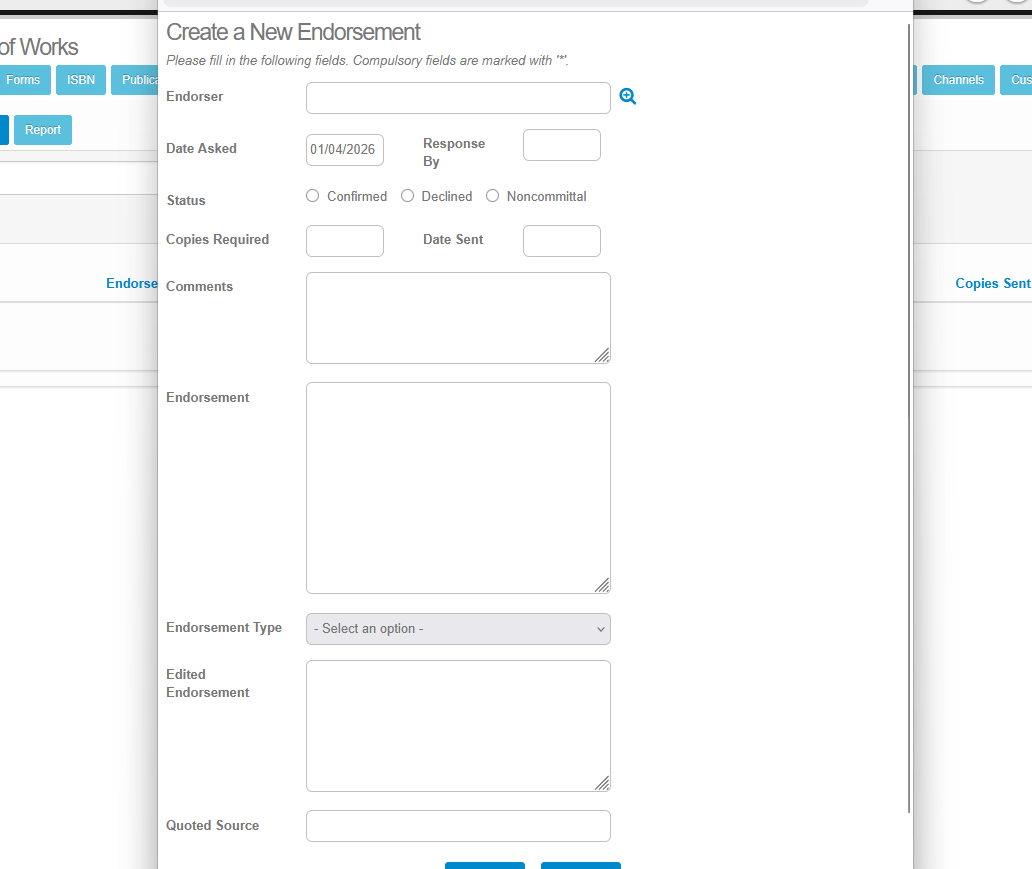
Once you have logged the details, you will then be able to see a snapshot of all of your endorsements for the title.

Whilst the base functionality of this tab has not changed, this update should make it more navigable, and easier to quickly find information.
Please sign in to leave a comment.
Comments
0 comments